
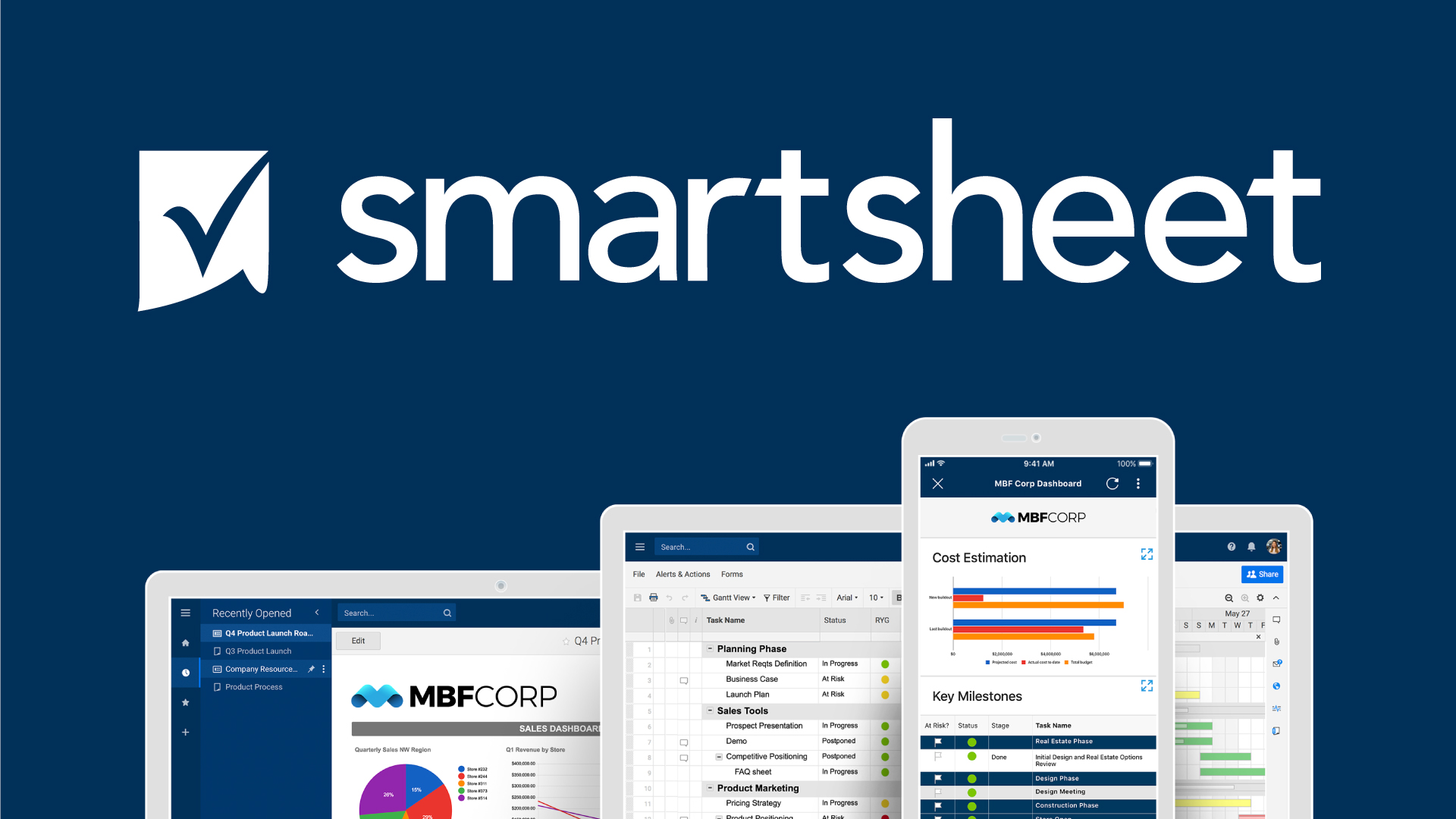
Key Features
Grid, Gantt & Card Views
Switch between spreadsheet, timeline, and kanban views to manage tasks your way.
Workflow Automation
Automate approvals, alerts, and updates with no-code logic and triggers.
Dashboards & Reporting
Create real-time dashboards and roll-up reports for visibility across teams.
Enterprise Integrations
Connect with Microsoft 365, Google Workspace, Salesforce, Jira, and more.
How It Works
Create a Sheet or Template
Start from scratch or use a pre-built template for project plans, budgets, or campaigns.
Add Columns & Tasks
Define task names, owners, dates, dependencies, and custom fields.
Automate Workflows
Set up rules to trigger alerts, update fields, or request approvals.
Visualize Progress
Use Gantt charts, dashboards, and reports to track status and KPIs.
Collaborate & Share
Invite teammates, share sheets, and control permissions for secure access.
Code Example
// Smartsheet API example to list sheets:
fetch("https://api.smartsheet.com/2.0/sheets", {
  method: "GET",
  headers: {
    Authorization: "Bearer YOUR_ACCESS_TOKEN",
  },
})
  .then((res) => res.json())
  .then((data) => console.log(data));
Use Cases
Project Portfolio Management
Track multiple projects, timelines, and resources across teams.
Marketing Campaigns
Plan, execute, and report on campaigns with automated workflows.
IT Operations
Manage service requests, asset tracking, and change management.
Budget & Finance Tracking
Monitor budgets, expenses, and approvals with real-time reporting.
Integrations & Resources
Explore Smartsheet’s ecosystem and find the tools, platforms, and docs to accelerate your workflow.
Popular Integrations
- Microsoft 365, Google Workspace
- Salesforce, Jira, Slack
- Tableau, Power BI, DocuSign
- Zapier, Webhooks, REST API
- Excel, CSV, PDF import/export
Helpful Resources
FAQ
Common questions about Smartsheet’s capabilities, usage, and ecosystem.